Agent Assist
The Agent Assist page, located in the Settings section, allows users to configure Restricted Editing and Navigation Assist.
Restricted Editing
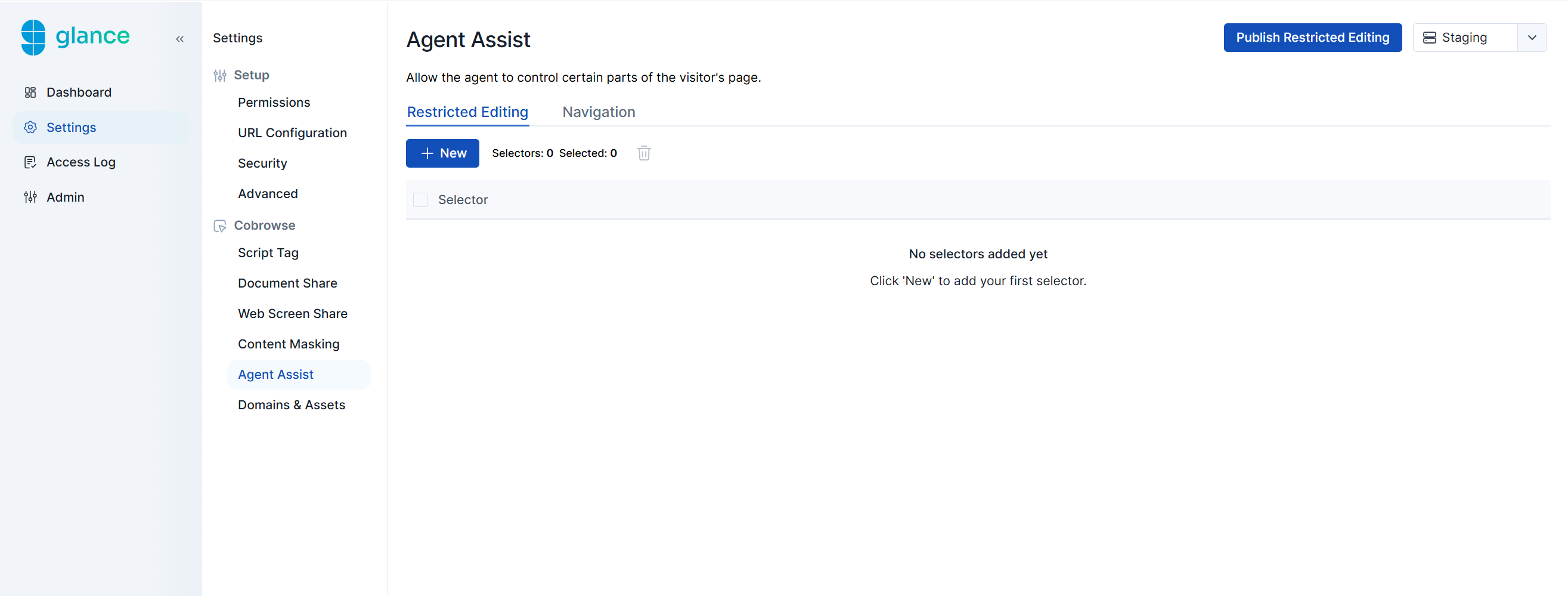
Restricted Editing provides the ability for the agent to request control of the visitor’s browser interface during the session.
To configure which fields the agent can control during a Cobrowse session:
- Click the New button.
- In the Selector field, enter the CSS selectors of the UI elements you want agents to control.
- Click Create.
- Click the Publish Restricted Editing button in the upper-right corner.
Navigation Assist
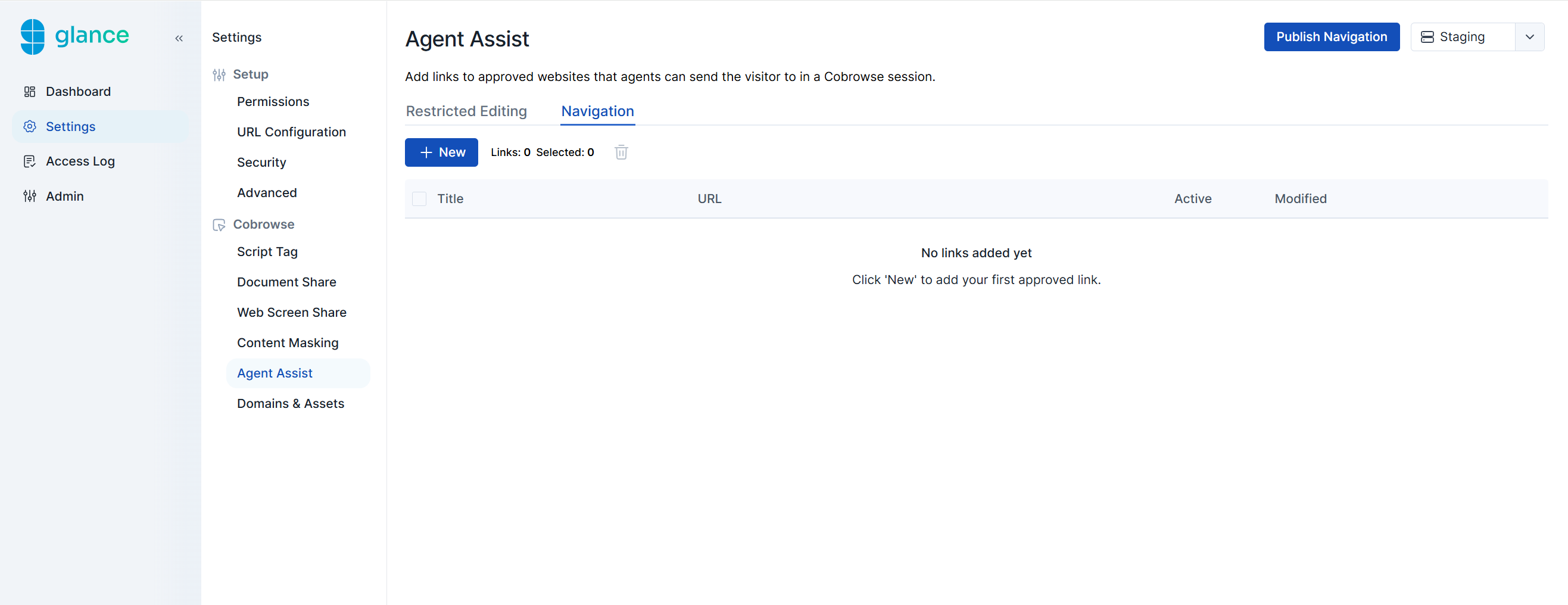
Navigation Assist allows the agent to navigate to a URL on the visitor’s behalf by clicking on a bookmark within the agent viewer.
To configure which URLs the agent can navigate to during a Cobrowse session:
- Click the New button.
- Enter a URL Title and the website URL, then select the Active checkbox.
- Click Create.
- Click the Publish Navigation button in the upper-right corner.
Warning
The destination URL must contain the Cobrowse script tag in order for the agent to follow along. If the URL is on a new domain, it may also need to be added to the Cross Domain Cobrowse section.