Camera Share
The Camera Share page, located in the Settings section, allows users to configure SMS Camera Share settings for their organization.
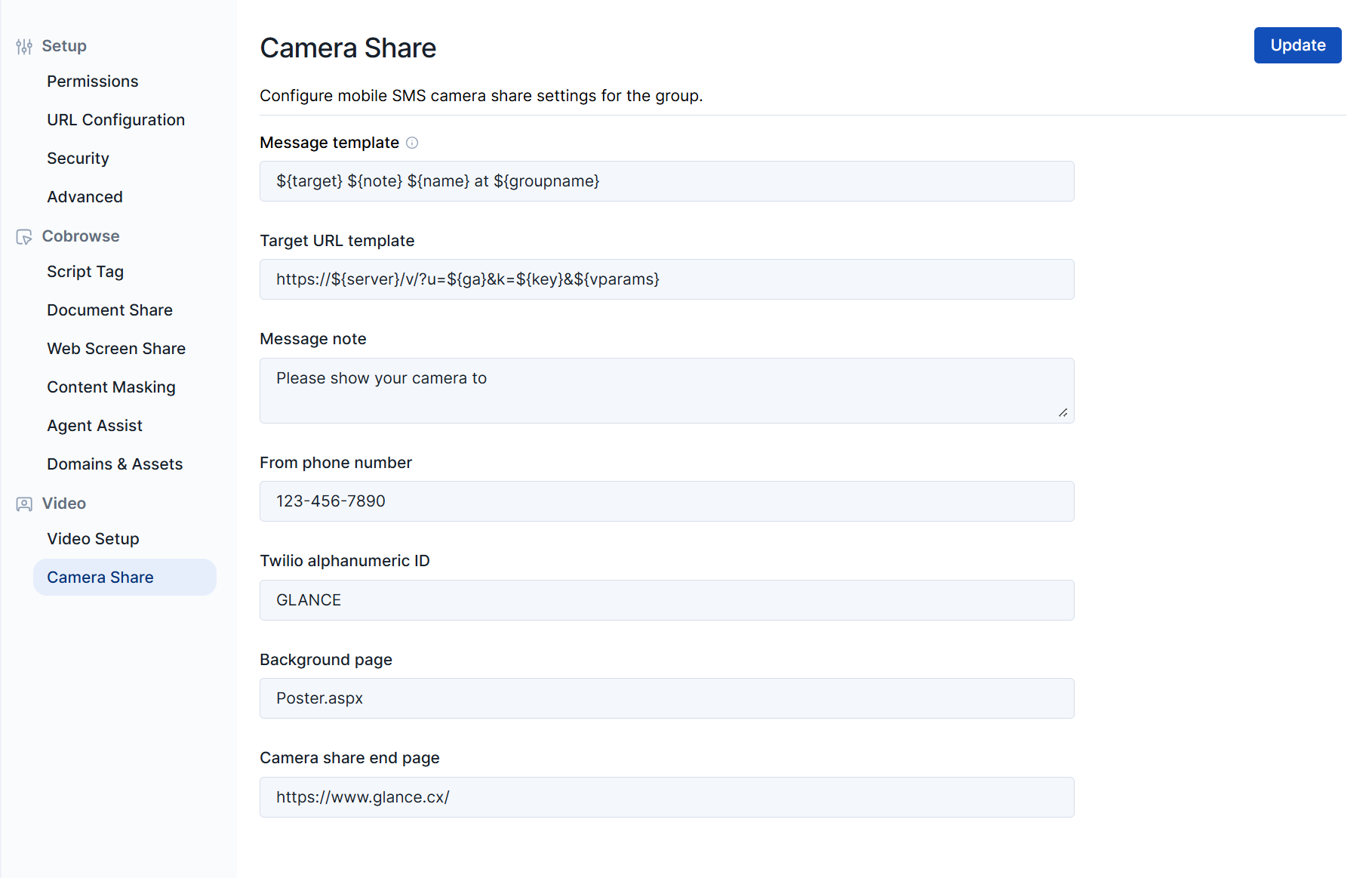
Configuration Settings
| Setting | Description |
|---|---|
| Message template | Update which parameters are included in the text message and in which order. Click the tooltip in the UI for a list of available parameters. |
| Target URL template | The specific URL included in the text message that visitors tap to join the session. |
| Message note | The custom text note included alongside the link in the SMS message. |
| From phone number | The designated phone number the text message is sent from. |
| Twilio alphanumeric ID | The company name or brand used as the Sender ID (Defaults to GLANCE). |
| Background page | The URL of the page to display in the background while the mobile device is prompting the user to share their camera. |
| Camera share end page | The URL of the page where customers are redirected when the session concludes. |